CEZ
CEZ: one design system across customer portal, mobile app and info-kiosks
Grapefruit designed CEZ's complete digital customer experience in five months of two-week sprints: a self-service web portal, a cross-platform mobile app, touchscreen kiosks in regional centres, admin and city hall platforms. A shared modular front-end boilerplate delivered more than 200 pages and a unified design system.

Key results
Results being verified
We only publish numbers the client has confirmed. The outcomes for this project are being verified; the scope and deliverables below are final.
Context
Overview
Implementation
Working in sprints to deliver faster
Five months of work, in sprints of two weeks. We did the design, front-end development, and mobile app design, all at the same time. We planned everything carefully in a massive timeline with all the stages that we successfully implemented without delay.

Solution
From brandbook to the digital interface library
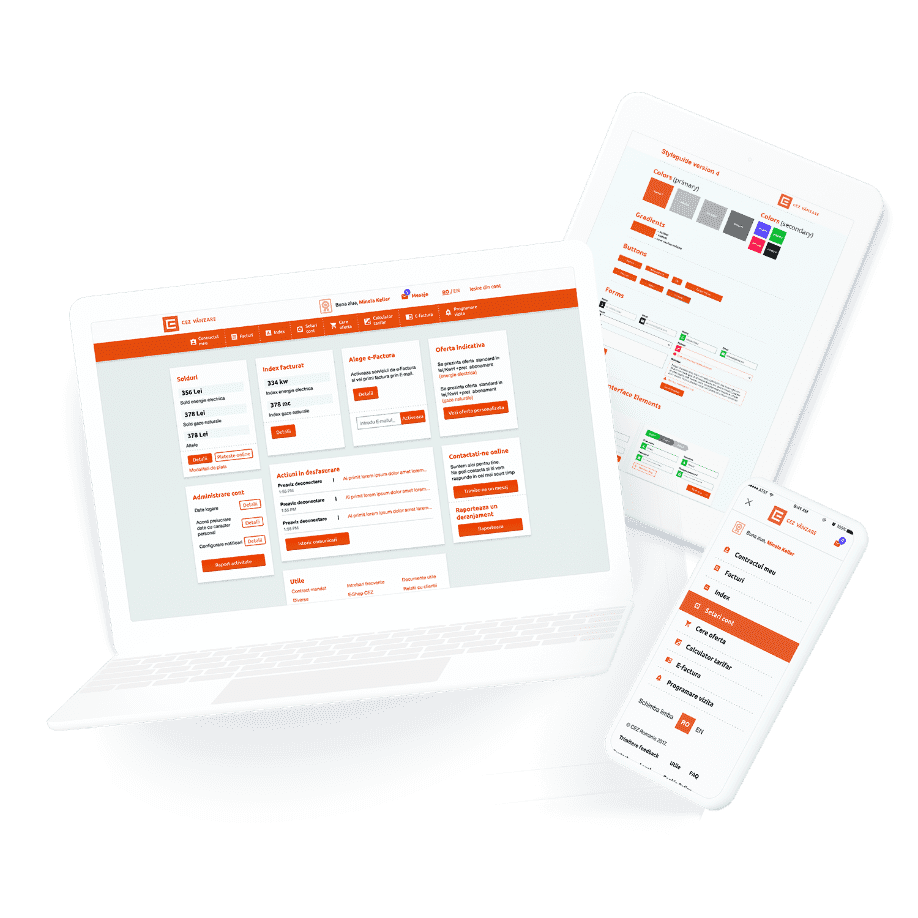
We began with four different style guides, based on the CEZ Brand Book Guidelines so that we could explore various User Interface Elements.
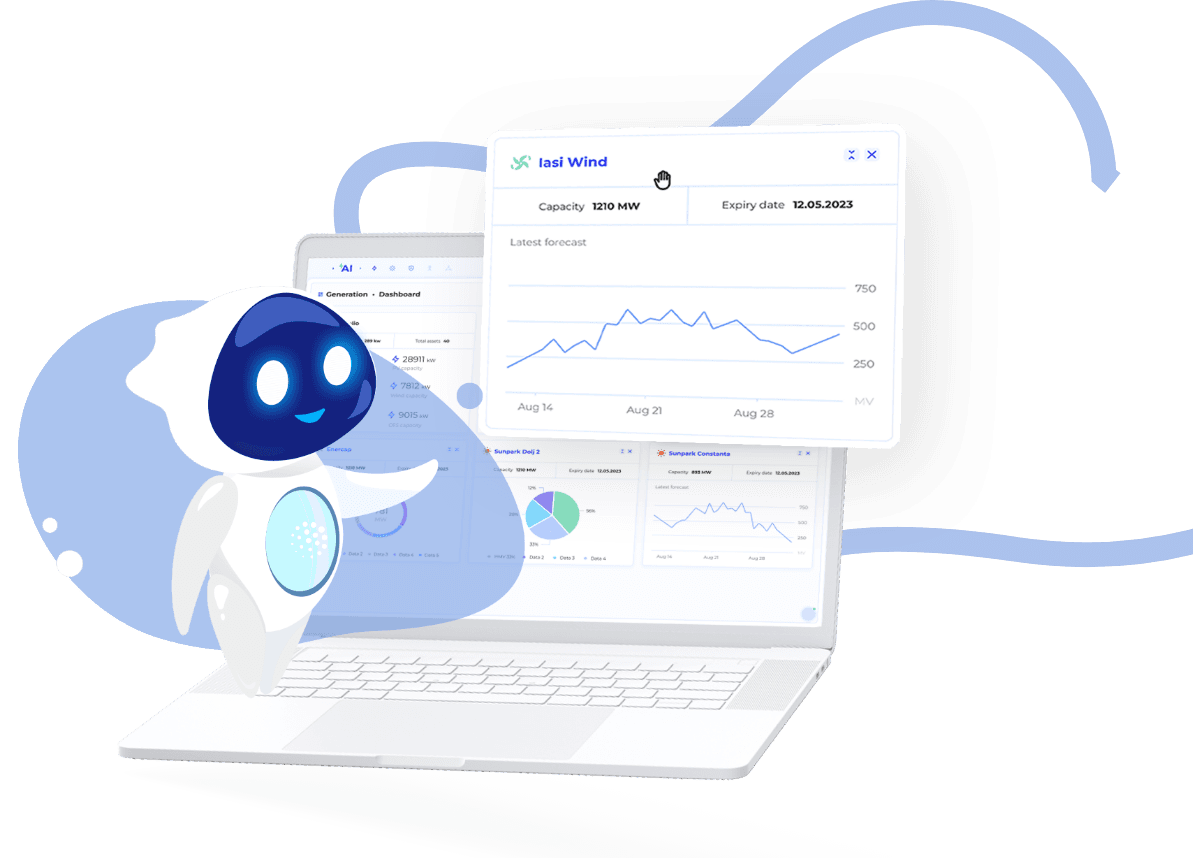
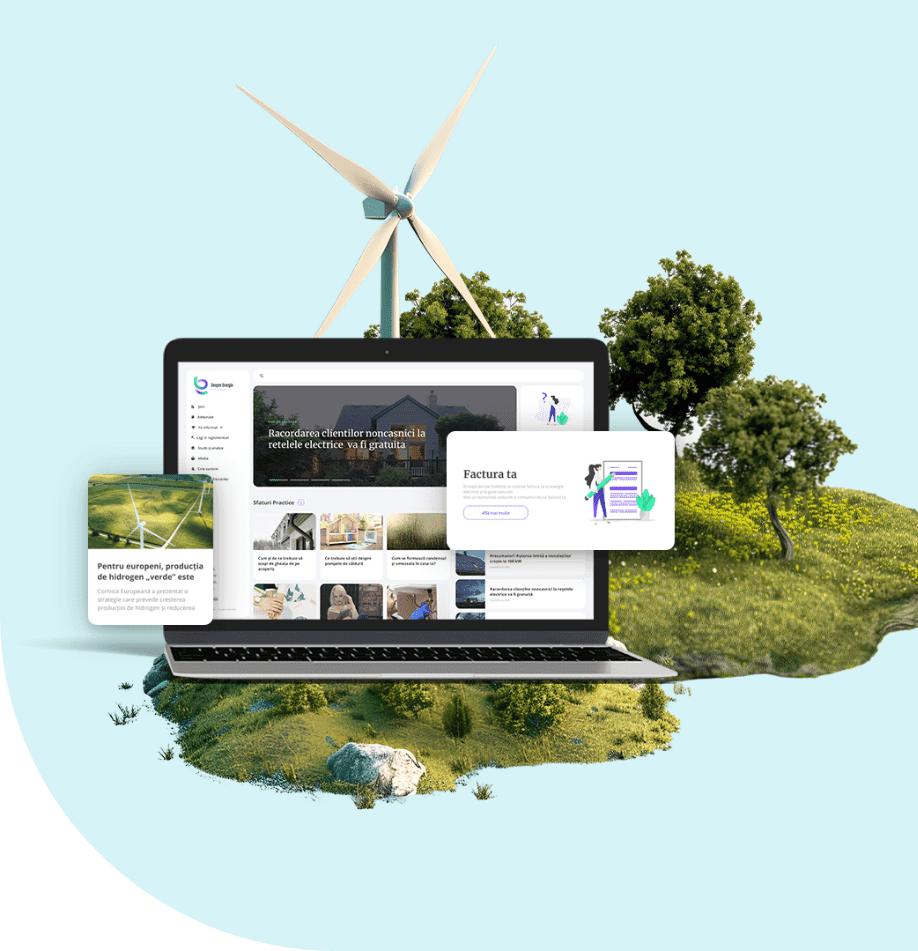
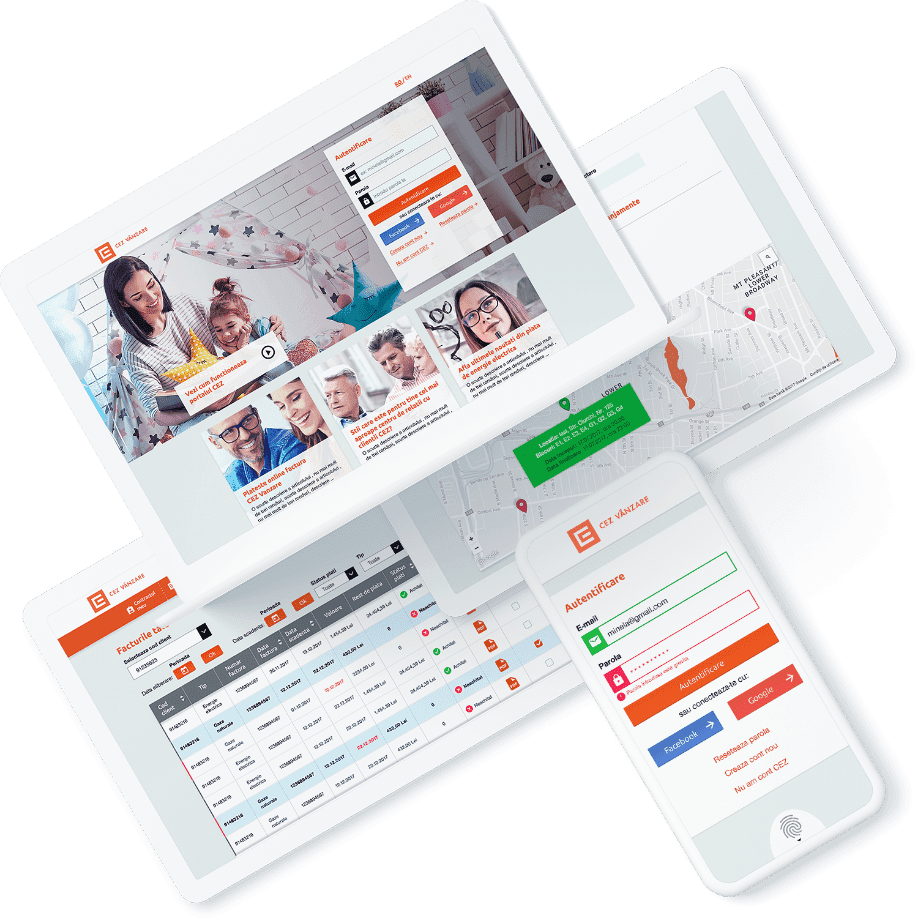
We created a portal with a modular dashboard, that can adapt to more or less content. It features an extensive amount of functionalities such as information about the contract, bills, tariff calculator, index, reports, the possibility to request a new offer, management of different PODs.
Solution
A suite of features for the user to achieve his objectives
We created everything with the user in mind. Inside the portal he can pay the electricity and gas bills, for him or another CEZ client, maybe one of his relatives. The user can also activate the Electronic Invoice Service, have a clear overview of his spendings, generate different reports.
In case of emergency, he can signal a power failure and also manage his notifications for SMS, E-mail and Push notifications. To solve issues he can make different requests and see their status, change his contract information, introduce their index etc.

Process
Non-CEZ Client interface, Admin and City Hall Platform
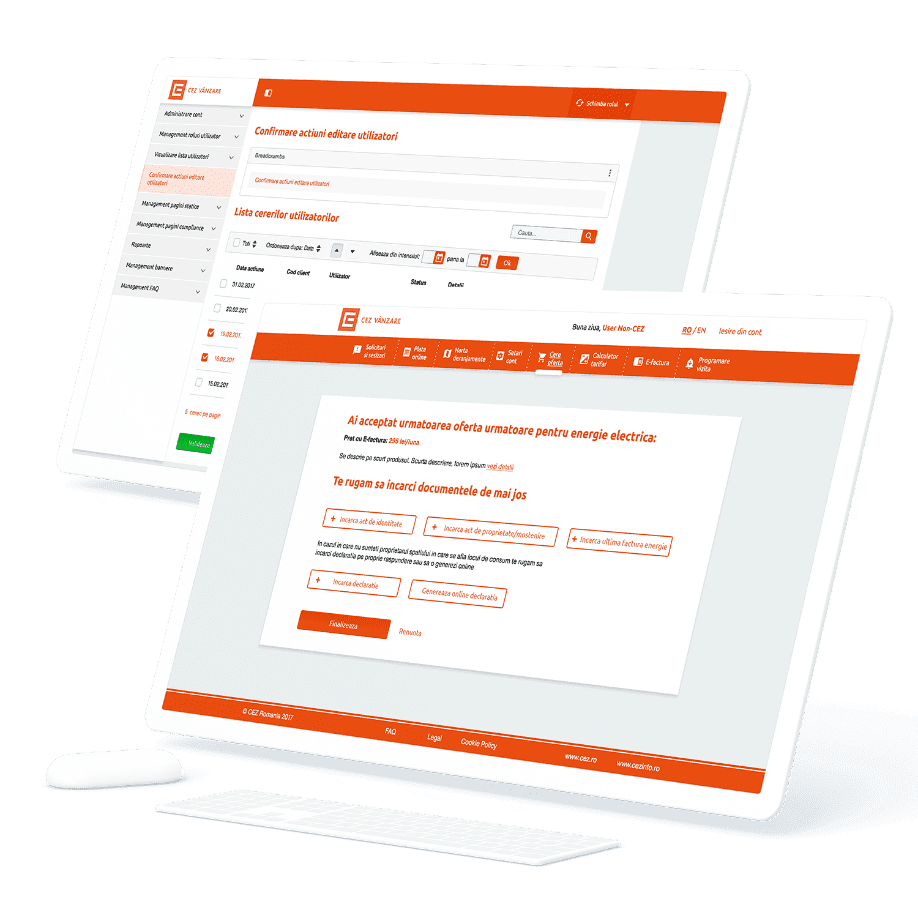
We didn’t stop here, and we created a custom interface for Non-CEZ Clients. Even if you do not have a signed contract with CEZ, you can enter the portal and access some of its functionalities. Also, we designed the Admin Interface, and the platform for City Halls, where it’s employees can access it and manage the heating aid requests for in-need citizens.
Solution
Touchscreen interface designed for better offline support
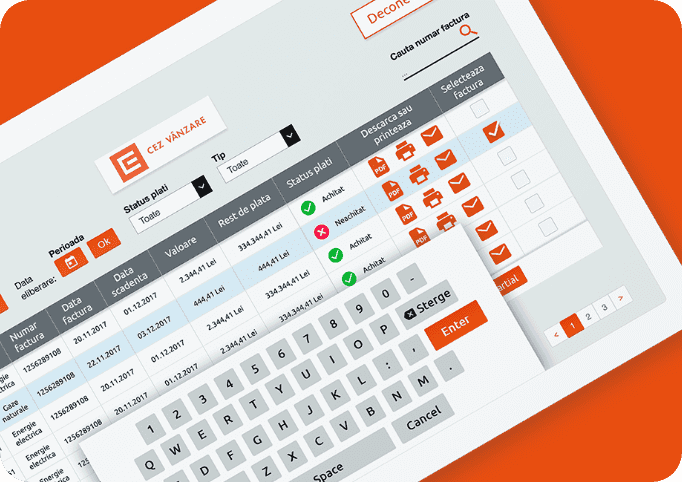
To better services clients, CEZ offers touch screen devices inside CEZ Regional Centers. For these devices, we created interfaces where clients could log in and find out more about their contract, pay the bills, print the receipt and scan different documents, add a request or make a complaint.
Solution
Mobile app focused on essential features
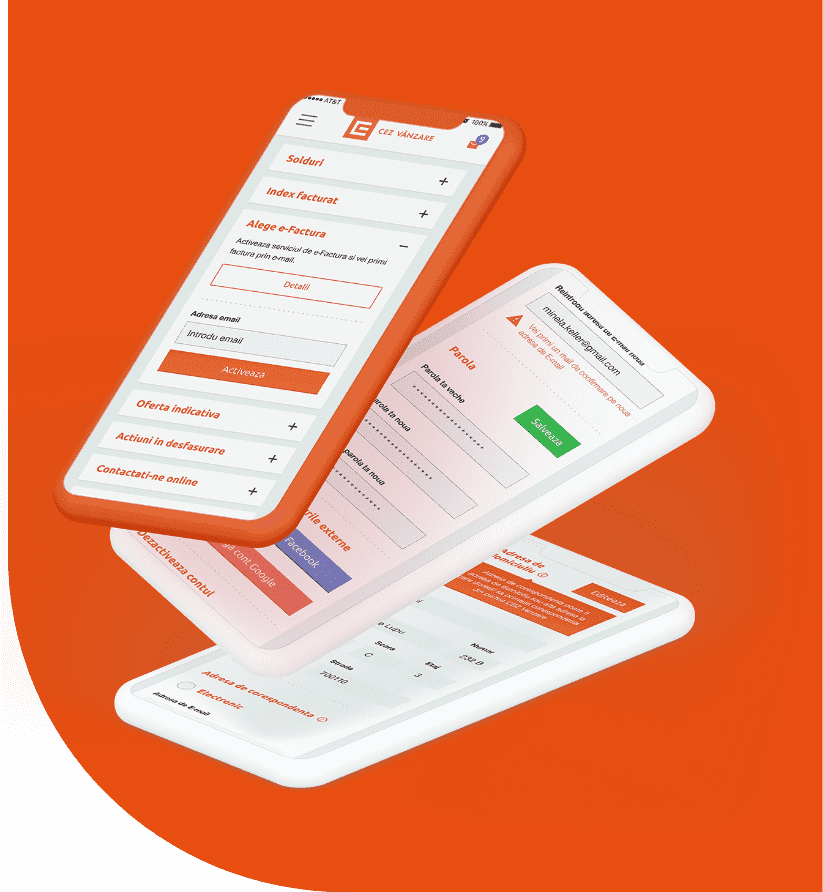
For mobile, our partner development team created one mobile app back-end. We adapted to this, and we designed a cross-platform user interface that was usable and looked good on all mobile platforms. It has the essential functionalities from the portal: index history overview, reports, bills, management of different PODs, signal a power failure, my account settings etc.
Implementation
Efficient modular and custom-built Front-End elements
We developed a central boilerplate that included all design blocks and had the design style guide applied on all HTML types of elements. When we created a new page, we either used components that we previously created, or we created them and added them to the central boilerplate. This methodology turned out to be a perfect choice as we delivered over 200 different pages.
Process
High-fidelity interactive prototype for better user experience feedback
As soon as some of the stages where approved, we began to create interactive high fidelity prototypes for all the platforms: portal, admin interface, Info-Kiosk, mobile app. In this way, all the teams involved could test the flows, the client had a clickable interface to give feedback on, and the end-users would receive a better user experience. After we finish all our work, we offered ongoing support to CEZ for the Back-End implementation until the release and created the video presentation of the portal.
Results
Outcomes
unitary design for the web portal, admin, partner interface, mobile apps and info-kiosk
a design system with modular UI Elements that can be adapted to new projects
design solutions to satisfy all stakeholders involved: CEZ, Clients, Public Administration & Partners
What we delivered
- Customer web portal with modular dashboard
- Cross-platform mobile app UI
- Touchscreen info-kiosk interface
- Admin, non-client and city hall interfaces
- Front-end boilerplate and design system (200+ pages)
- High-fidelity interactive prototypes